01 · Kind & source
What it is made of
A Python script, a captured subsystem, or an empty subsystem to fill later.
The blocks you keep rebuilding should be blocks. The Block Wizard turns a subsystem or a Python script into a library block in four steps. It lands under My Blocks in every project on your machine and behaves like the built-in blocks. And a model built with it still opens on a machine that has never seen your library.
Python scriptSensors / Level_Flagin 0 f64 · out 0 flag boolmonogram LF · Create Block---ICORE-BLOCK v1---uuid = 5b1c…name = Level_Flagfamily = Sensorskind = pythoninputs = 1outputs = 1outputLabels = flagoutputTypes = ICoreBoolsummary = 1 while the level is above 0.5---ICORE-BLOCK ICON---<svg …> LF </svg>---ICORE-BLOCK DESCRIPTION---<h3>Level_Flag</h3> …---ICORE-BLOCK BODY---def compute(t, u, state): # u is the list of input values; # return one value per output port. return [u[0] > 0.5]
The whole lifecycle of one
block. Four steps write one file. The file puts a tile in the library. Dropping the tile places an
ordinary Python Code block carrying the script, with a bool output that a
Gain refuses while the wire is still being dragged. Then the file is deleted, and the
project still opens and runs, because nothing in it ever pointed at the file.
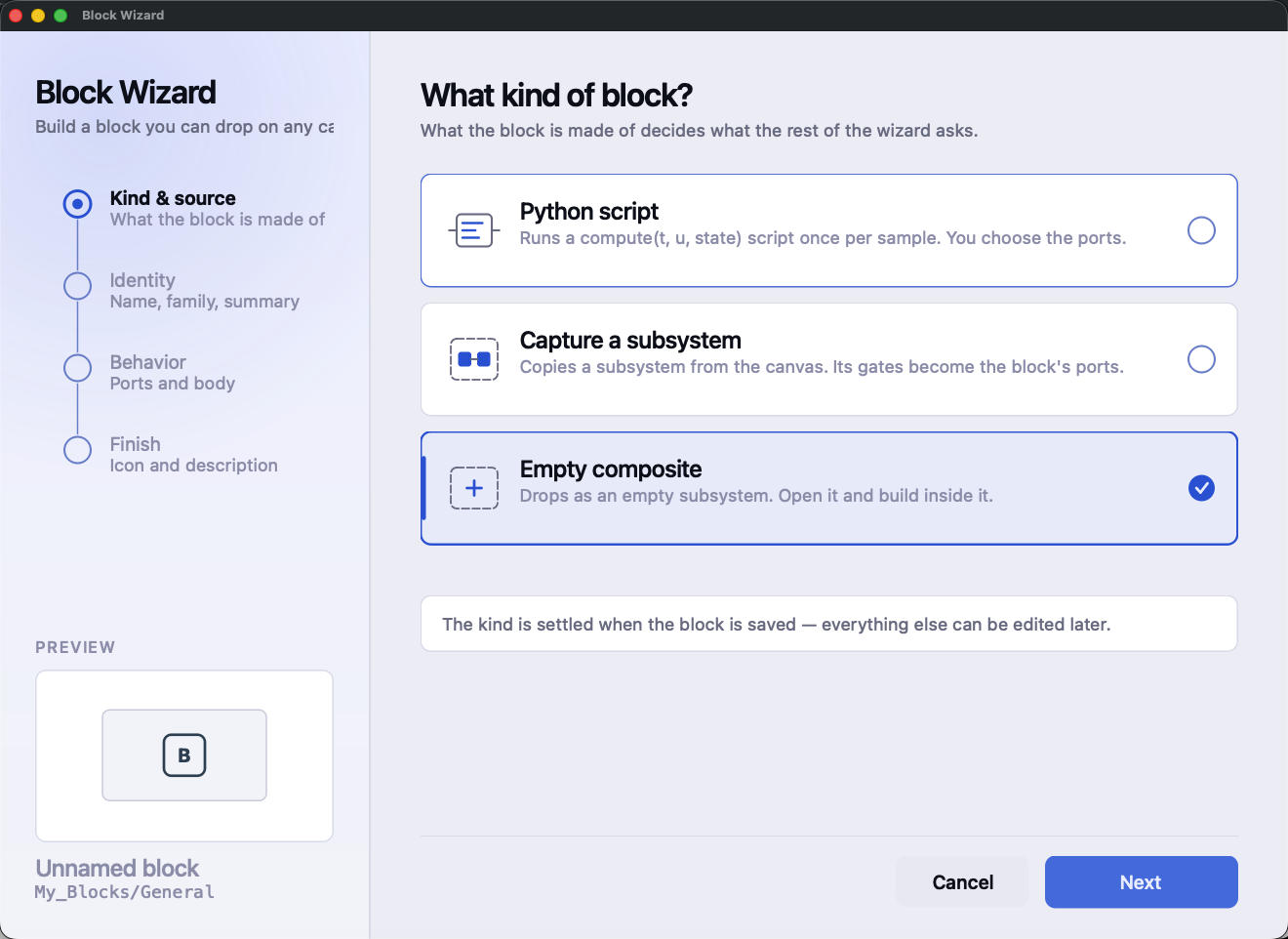
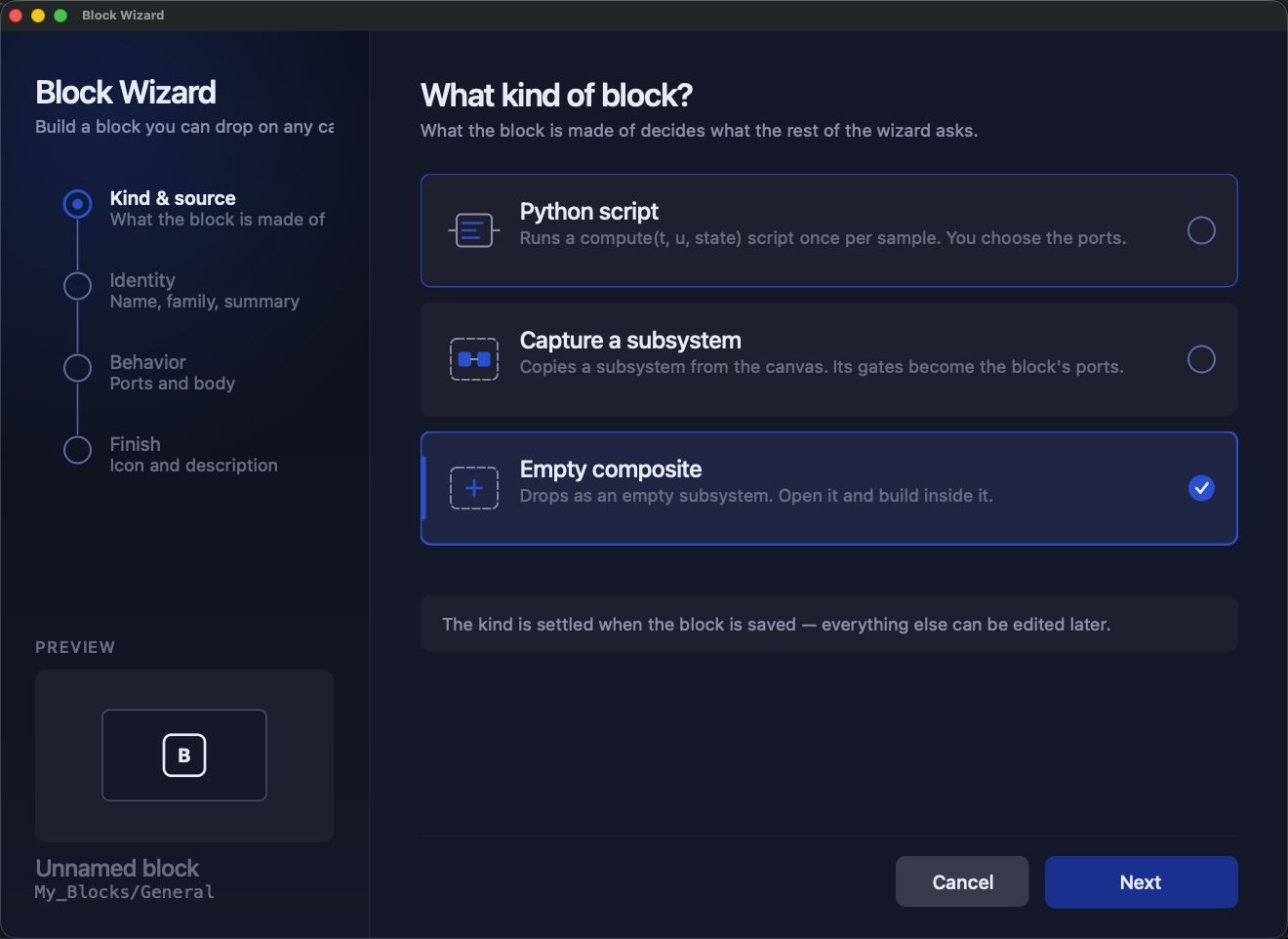
A block is either something you have already built and tested on a canvas, or a few lines of Python. The wizard's first step asks which.
Pick a subsystem from the open project, or start empty and fill it later. The capture is a copy, so the original stays yours to keep editing.
compute()Set the port counts, fill in the port table, write the script, and press Validate Script, so a syntax error shows up while you are writing, not at the first simulation.
def compute(t, u, state): returns one value per outputA Python script, a captured subsystem, or an empty subsystem to fill later.
The name and family become My_Blocks/<Family>/<Name>. The one-line
summary is what the library shows.
The port table and the script, or a summary of what the capture takes and which of its gates become ports.
A generated monogram or your own SVG, and a description, written as HTML, for the hover card and the configuration dialog.
Press Create Block and the tile appears under My Blocks immediately, with no restart. The library rebuilds itself live as it changes, and search finds your block beside the built-in ones.
Every port starts as an ordinary double, so a block of plain numbers needs nothing here. When a port should carry something else, the picker lists every signal type the application knows, and nothing else:
bool output won't drop onto a Gain, and it is refused
while you drag, not at run time..iblock, restored on reload and declared by code export.compute() as a native bool or int, and a String as a
str.Nothing registers itself into the block factory. When you place a block of your own, it is built from ordinary blocks: a subsystem filled from the recipe body, or a Python Code block carrying the source. Placing it is one undo step.
That matters because a project that used your library is made entirely of standard blocks. It
opens, runs and exports on a machine that has never seen your .iblock file. Your
library makes authoring easier; it never becomes a dependency of the models you build with
it.
This is tested, not just intended. A regression case places each kind of block, deletes its
.iblock, saves, reloads and runs again, and it requires the second run to match the
first.
Blocks live in Documents/<App>/Blocks/<Family>/<Name>.iblock. The
folder tree is the family tree, with no catalogue file to drift out of date, and every project on
the machine sees the same library. Sharing a block with a colleague means sending them one
file.
.iblock wherever you
point.A file the app can't read is listed on the My Blocks page with the reason. It is never modified, never half-loaded and never silently dropped.
In the documentation: user
block and .iblock in the glossary · signal
types and their badges.
See also: AI agents that edit the diagram · Your code in the loop
Download the application from the customer portal, or read the documentation first - the manual, a page for every block, and the full command reference are public.