AGENTS.md
Every project is agent-ready
New projects get AGENTS.md, CLAUDE.md, GEMINI.md
and .mcp.json: how to work there, and the icore MCP tools.
A coding agent builds and edits the model in the project you have open. The simulation, the check of the generated code and the export to your hardware are done by the platform - the agent reads the verdict, it does not write it.
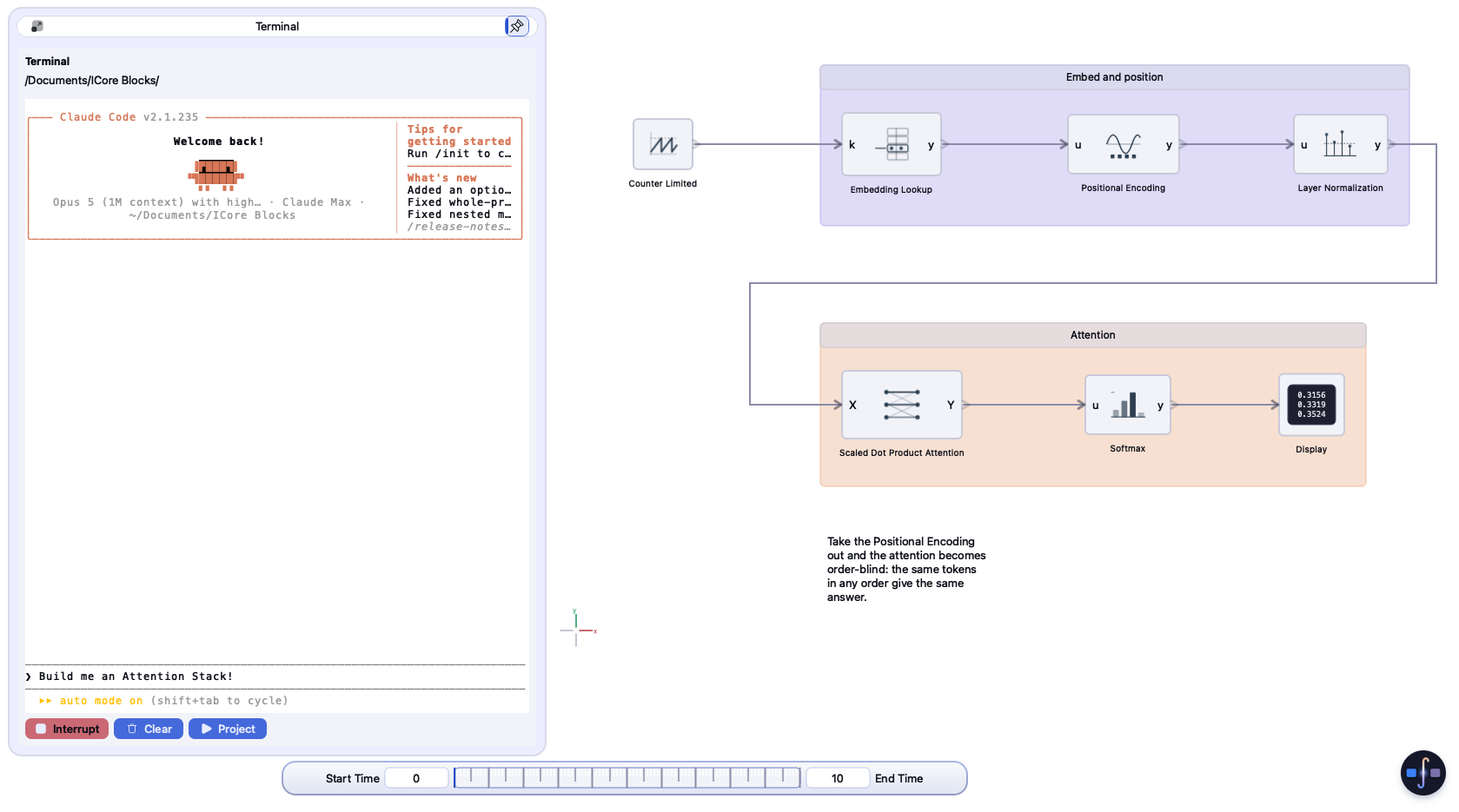
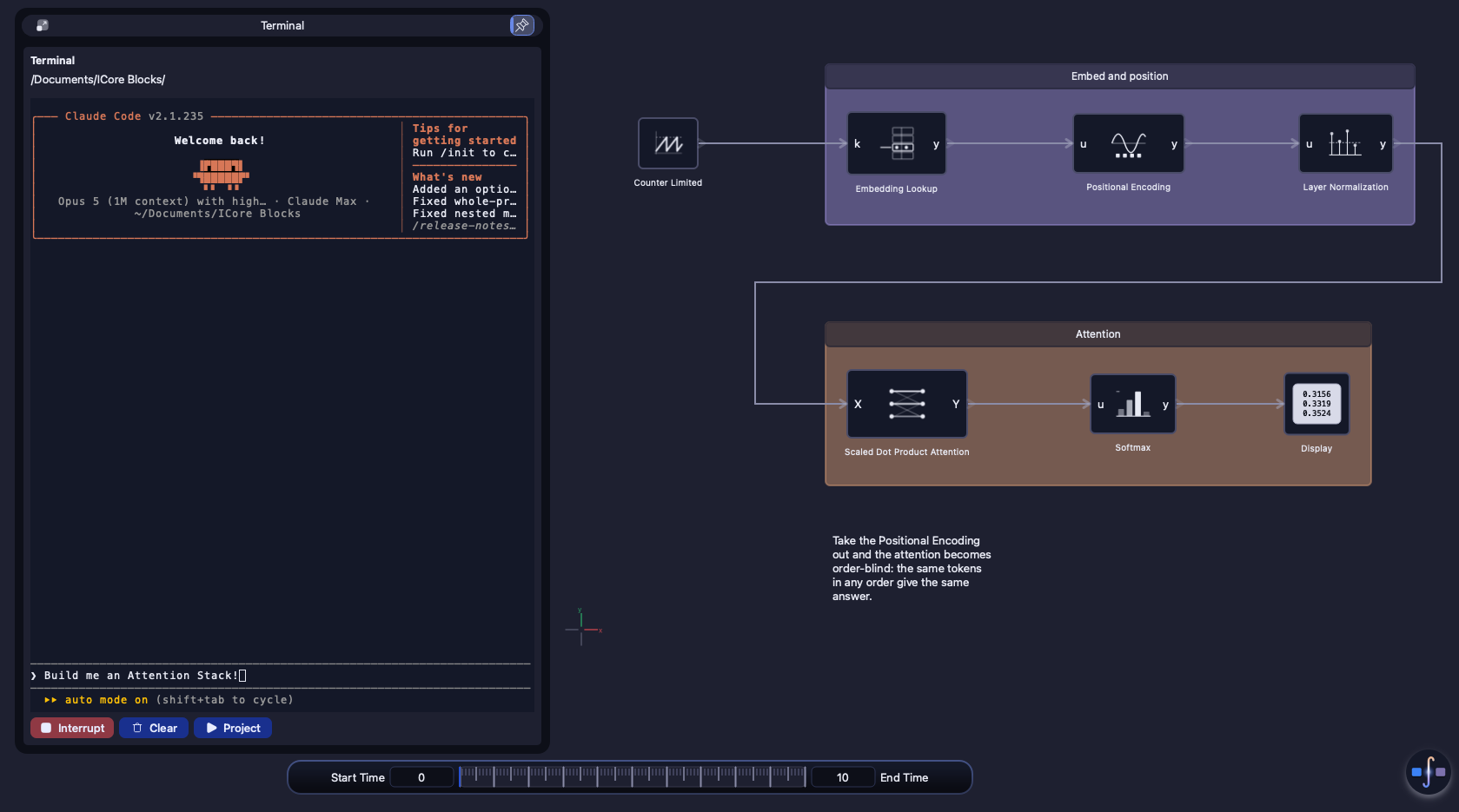
Three stages, and only the first belongs to the agent. Everything that decides whether the model works, and whether its code matches it, is ICore's own code running on your machine.
The agent writes blocks, links, parameters and solver settings into the project file, then reloads. The change appears in your window; every line that did not apply comes back with its reason.
ICore simulates the model with the project's solver, then builds the generated code with a real toolchain and compares it with the simulation, sample by sample, against a tolerance.
The verified core is written into the folder your firmware build reads - C, HDL, Structured Text or any of the ten targets. The agent fires it, a pipeline fires it, or you do.
The project file is plain recipe text - the same statements the application uses everywhere. An agent edits it in place, like any other source file, in the project you already have open. It never starts a copy.
icore blocks and read with icore describe.icore push --level
Home/Controller replaces a single subsystem and keeps its ports, so the wiring
above it stays.icore pull hands back
the live diagram as text, including what you changed by hand, so the agent
reads what is really there before it edits.blockA = block(Gain, Home) // new block s = subsystem(Home) // new subsystem connect(blockA<1>, blockB<0>) // out 1 -> in 0 blockA.move(120, 40) // +y is up blockA.rename(Gain2) blockA.rotate(90) blockA.commentOut // skip in run
$ icore push model.icore
model replaced (Undo reverts it): 4 block(s), 3 link(s)
$ icore eval 'getBlock(Home/Gain1)'
getBlock(): no block 'Gain1' in ICore Blocks/Home
  -- it holds: Kp, Out, Step, Transfer Function
An agent can say a model works. ICore measures it. Both checks below are the platform's code, and the agent only ever sees their result.
icore simulate runs the
model from start to stop with the project's solver and summarises every sink -
first, last, lowest, highest, mean - flagging any signal that went NaN or
infinite and every error the run logged.icore exits 1.simulated 0 to 10 s, 101 steps; 1 signal(s): Home/Scope:in0 first 0 last 0.999879 min 0 max 0.999879 mean 0.798693
--csv writes every sample to a file as well.| Level | Compared with the simulation |
|---|---|
| None | nothing - export only |
| Output Gates Only | the model's outputs |
| Gates and Sink Blocks | outputs and every sink block |
| Strict | every signal in the model |
A Deploy to Hardware target names a language, a source subsystem, a verification level and a destination folder. Targets are saved with the project, so once one exists, deploying is a single command - for an agent, a script or a build server.
One model can feed all of them at once. A multi-rate model deploys as one target per rate, each from its own subsystem - see multi-target, multi-rate deploy.
t = target(C)
t.setConfig(Name, controller)
t.setConfig(Source, Home/Controller)
t.setConfig(Folder, firmware/controller)
t.setConfig(Verification, Strict - All Signals)
t.fire()
ICoreBlocks --console "agentServe 0 --project $PWD" &
until icore status >/dev/null 2>&1; do sleep 1; done
icore simulate
icore fire controller
icore shutdown
agentServe opens the project headless and serves the
same commands. icore exits 0 when done, 1 when a check or a
line failed, 2 when nothing was reachable - so a failed verification fails
the build.The agent works on the project you have open, and you watch it happen.
New projects get AGENTS.md, CLAUDE.md, GEMINI.md
and .mcp.json: how to work there, and the icore MCP tools.
Code Engine → Terminal starts in the project folder with icore
on its path. Type claude or codex and go.
Each command an agent runs appears in your Command Window, labelled
agent >, with its output underneath.
Autosave pauses while an edit on disk waits to load, and the model on screen is saved
to .icore/before-reload.iproj before every reload.
icore clientOne Python 3 file the application writes at every start, so it always matches the version
you run. icore mcp serves the model operations as MCP tools.
| Command | What it does |
|---|---|
| icore status | Which application and project are open, and whether an edit on disk is waiting to load |
| icore reload | Re-reads the project from its folder and reports every line that did not apply |
| icore pull / push / apply | The live diagram as recipe text; replace the model or one subsystem; add to a level - each one Undo step |
| icore simulate | Runs the model and summarises every sink, flagging NaN and infinite signals |
| icore targets / fire | Lists the Deploy to Hardware targets; exports one now, verified at its level |
| icore eval / run | Runs console lines, or a saved script from the project's scripts/ |
| icore blocks / describe | Searches the block library; a block's ports and parameters |
The ICore Script IDE (Code Engine → Scripting) keeps the project's
scripts/*.icore in tabs, with breakpoints, stepping and watches. Import as ICore
Recipe… replays a recipe into the level on screen, and Export as ICore Recipe… writes
any level back out. Drop a .icore into the templates folder and it appears in every
template list, without a restart.
Connect an Anthropic or OpenAI key and the copilot panel sees your live diagram in the same language, alongside the block catalog, and answers in it. Its access to the model is read-only - it describes and drafts; applying a script is your action. Your key is held in the system credential store.
See also: One model, every rate, every target · Code export · Verification · Coding agents in the manual
Download the application from the customer portal, or read the documentation first - the manual, a page for every block, and the full command reference are public.